Start Here: Build Your Home Inventory System Step-by-Step
Step 1 → Create Your Inventory
Step 2 → Sketch Your Rooms (Don’t Miss Anything)
Step 3 → Track Receipts & Claims
If disaster strikes, your insurance company will ask you to document everything you own—and everything you’ve lost.
Most people try to rebuild that information from memory.
That’s where things fall apart.
The HomeGuard System™ gives you simple, ready-to-use templates to:
✔ Document your home before disaster
✔ Capture receipts and expenses after a loss
✔ Track your claim and reimbursement process
Start with a template. Build your system as you go.

Start with a template. Build your system as you go
🏠 Home Inventory System
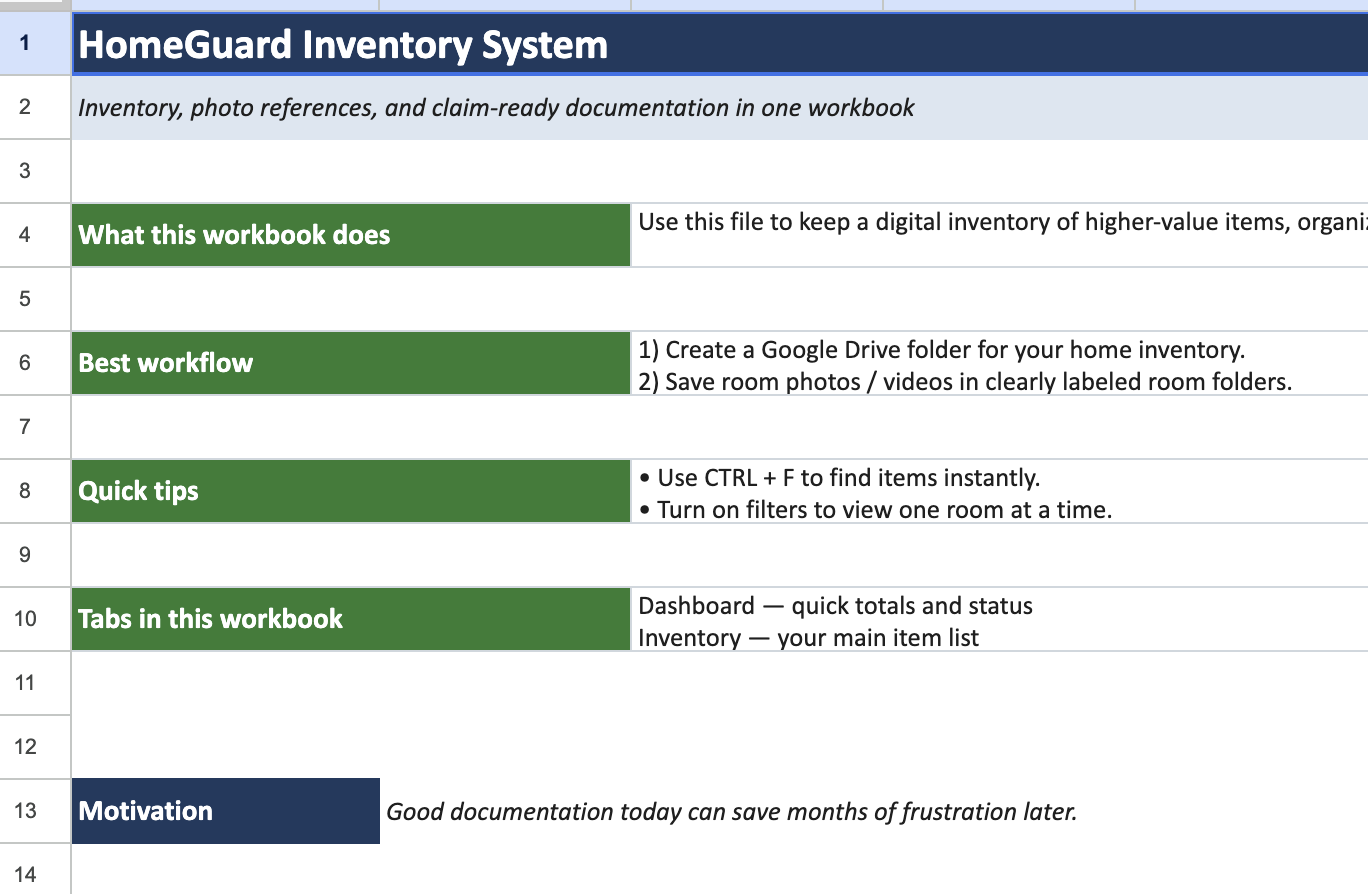

Scan to get Free HomeGuard-System-Spreadsheet.
Create a room-by-room record of your belongings for insurance documentation.
👉 Includes:
- Item descriptions
- Estimated values
- Purchase details
- Room-by-room structure
Best for: Pre-disaster planning
Step 1. Follow Link to create a copy
Step 2. Save to Your Google Drive
Step 3. Rename YouHomeAddress
Don’t Try to Remember the Room—Recreate It
You don’t remember lists.
After a loss, most homeowners are asked to list everything they owned.
The problem?
You remember spaces.
•“The TV was on that wall…”
•“The couch was over here…”
•“There was something in that corner…”
This template helps you visually rebuild each room, so your memory fills in the gaps.
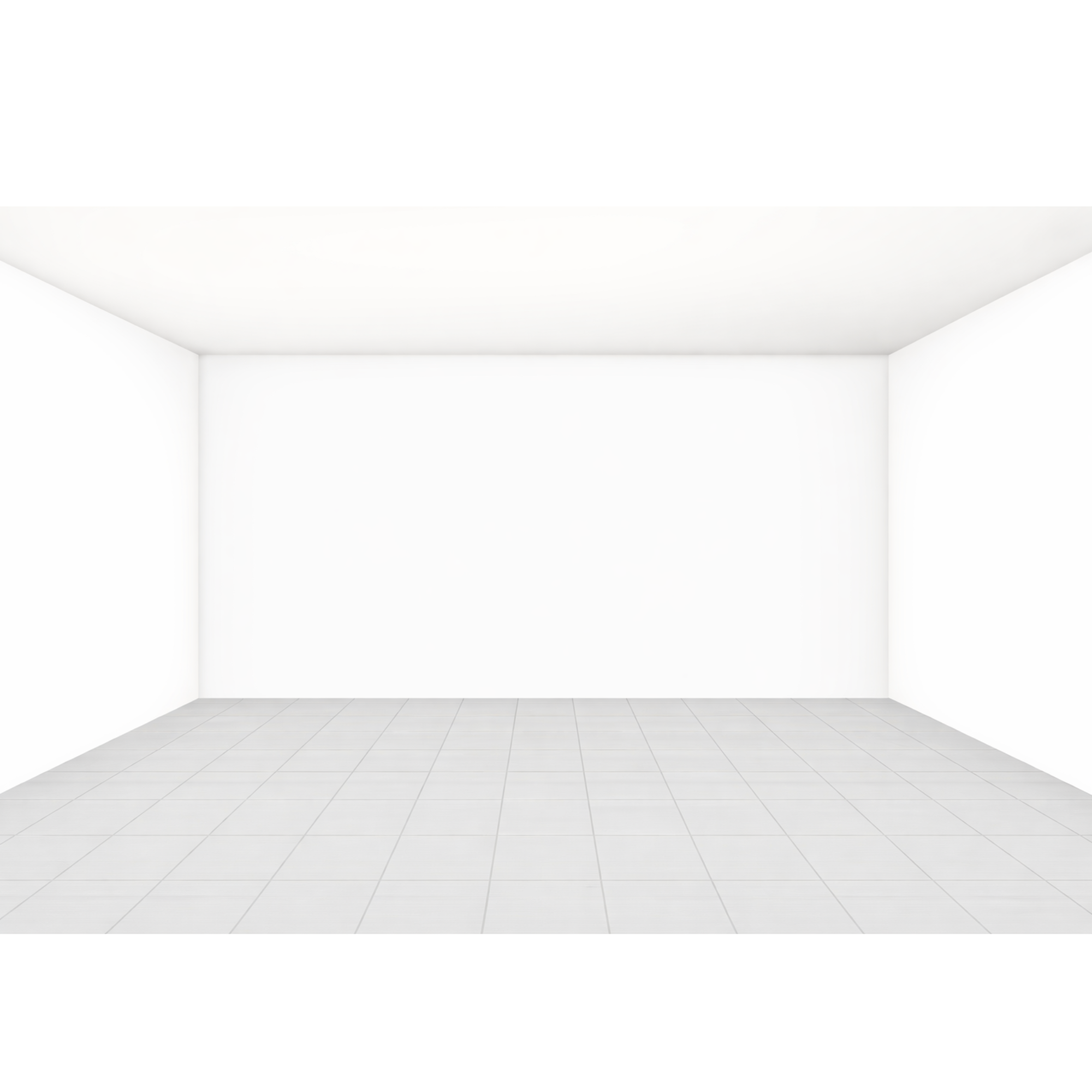

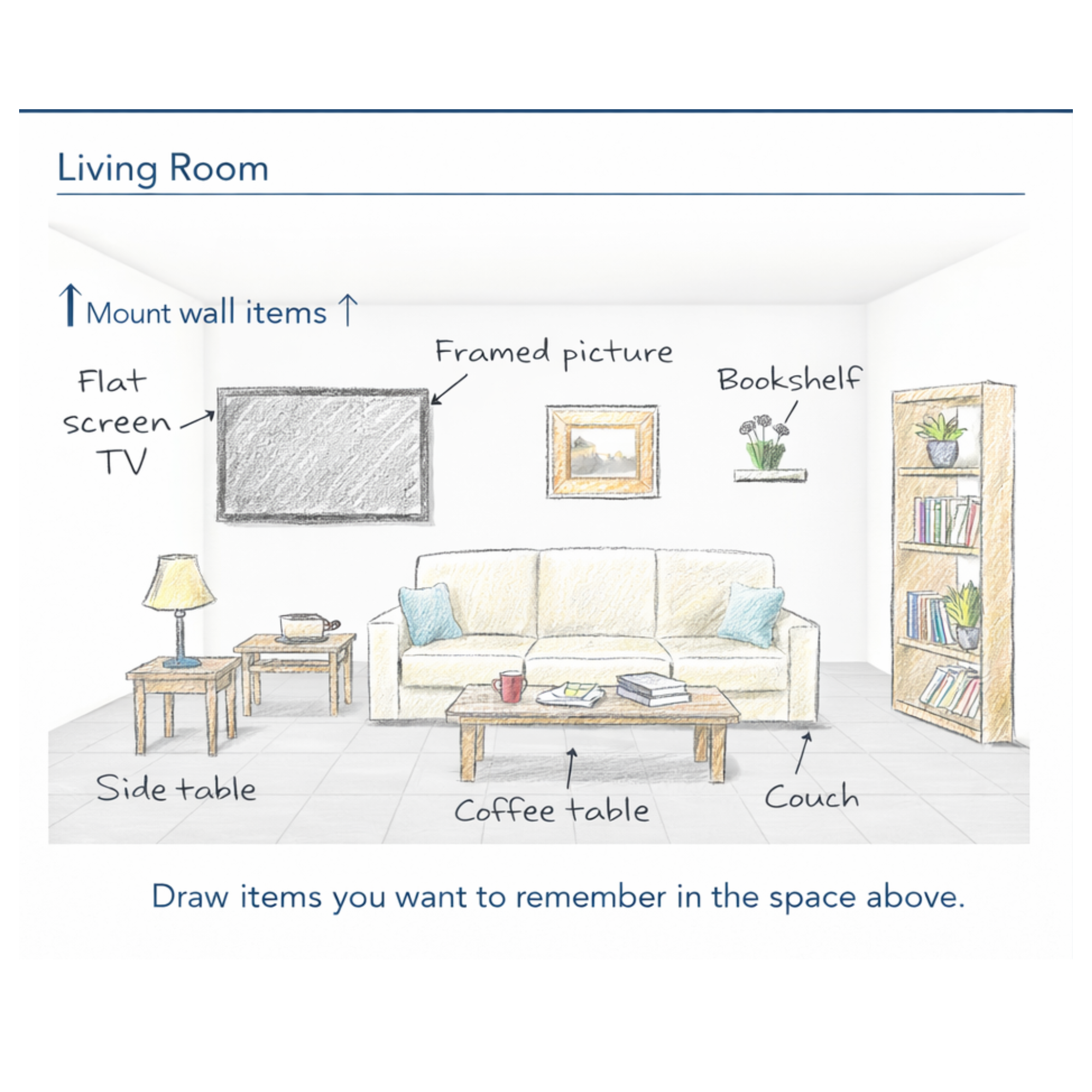
Even a rough sketch can trigger dozens of additional memories.
Steps:
- Print the template
A clean room layout with walls and floor - Sketch what you see
•Wall items (TVs, art, shelves)
•Floor items (furniture, rugs)
•Surfaces (tables, décor) - Label as you go
Write simple names next to each item - Use it for your inventory
Transfer items into your HomeGuard system
Blank Room Walkthrough Worksheet Template
You don’t remember lists.
After a loss, most homeowners are asked to list everything they owned.
The problem?
You remember spaces.
•“The TV was on that wall…”
•“The couch was over here…”
•“There was something in that corner…”
This template helps you visually rebuild each room, so your memory fills in the gaps.
Even a rough sketch can trigger dozens of additional memories.
Steps:
- Print the template
A clean room layout with walls and floor - Sketch what you see
•Wall items (TVs, art, shelves)
•Floor items (furniture, rugs)
•Surfaces (tables, décor) - Label as you go
Write simple names next to each item - Use it for your inventory
Transfer items into your HomeGuard system
Already have an account? Login
Password Reset
The instructions to reset your password are sent to the email address you provided. If you did not receive the email, please check your spam folder as well.